 Nowstamp

Nowstamp
An iPhone camera that stamps the date and time on your photos the moment you take them.
No ads, no subscription, no account — and no app logo, just your stamp.

For iPhone · iOS 17.0 or later · Free
Features
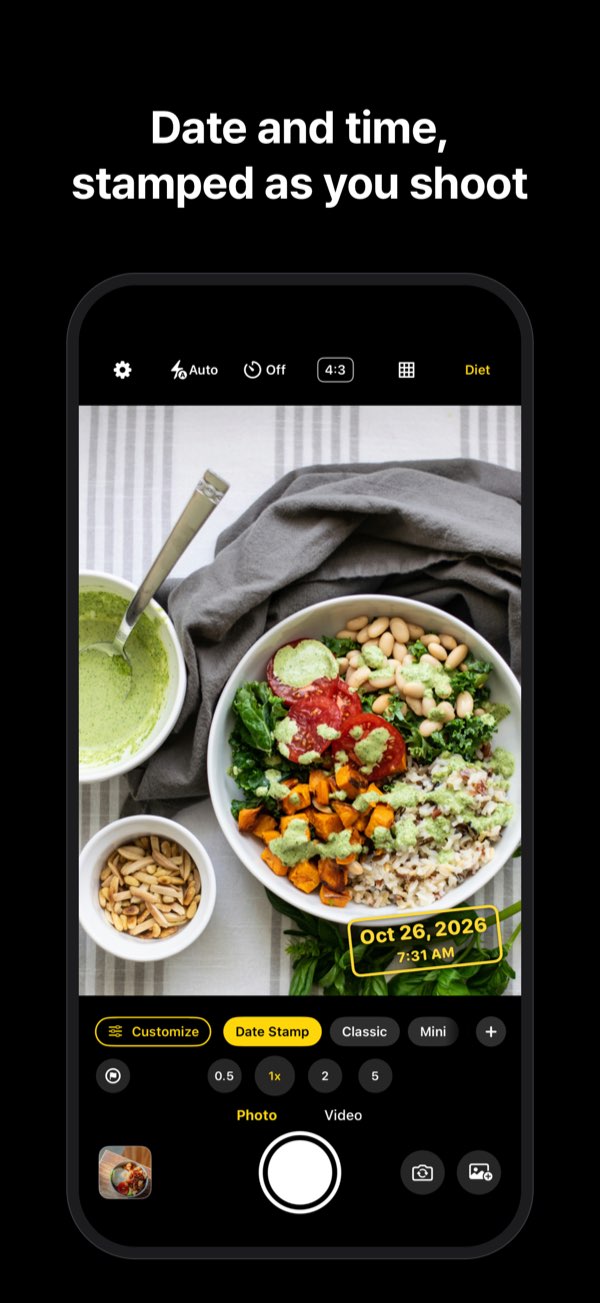
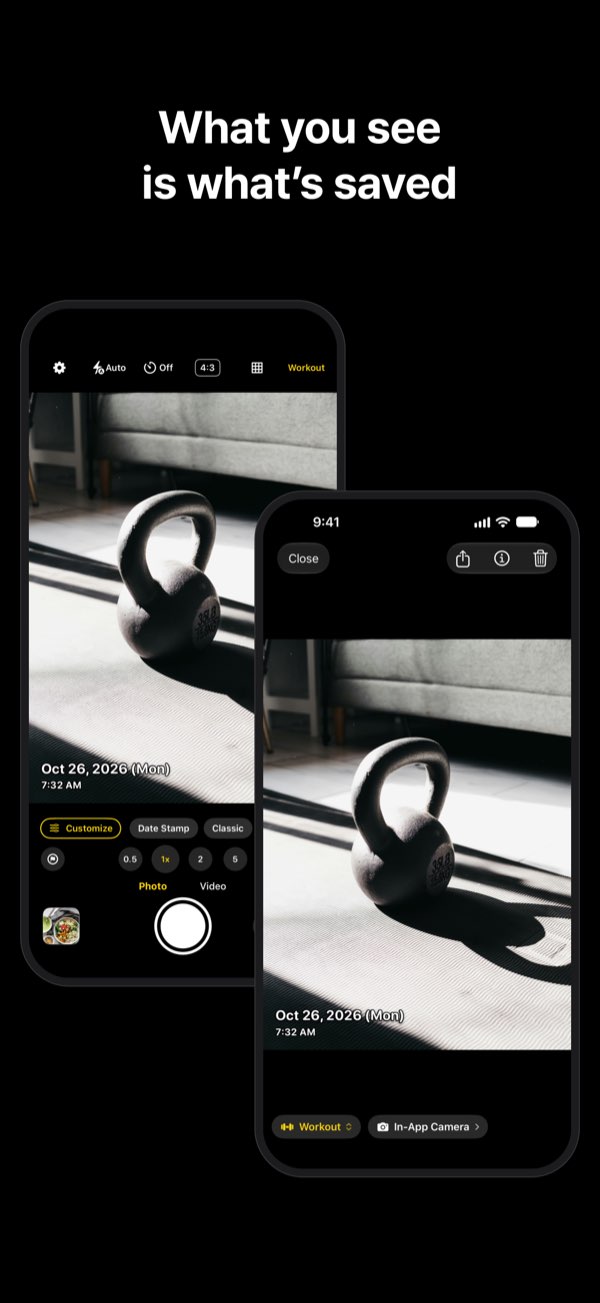
- The date and time, as you shoot Press the shutter and the date and time from your iPhone’s clock at that moment are stamped on the photo. The capture time in the photo’s EXIF data matches the stamp. You can’t enter a time in Nowstamp.
- Make the stamp yours 12 styles, 7 fonts, colors, and a one-line note or hashtag. The stamp lands where you put it, at the size you see. Save your setups as My Stamps and switch in one tap.
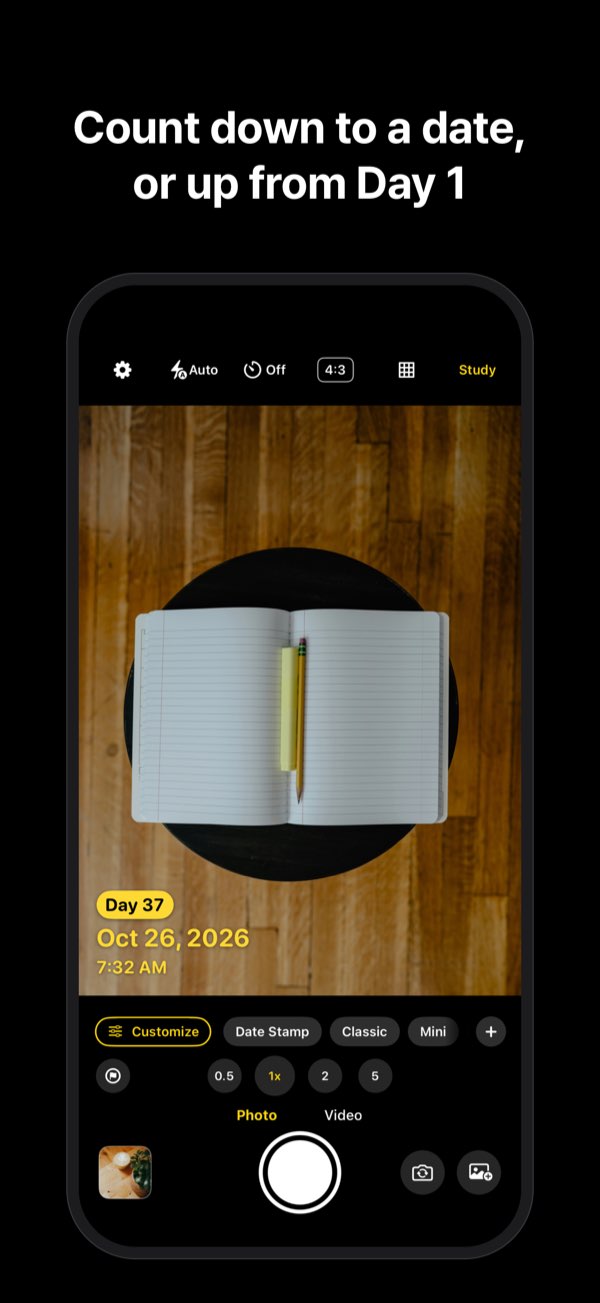
- Day Counter Count down to a date (Exam D-12) or up from one (Day 37). The count updates every day on its own.
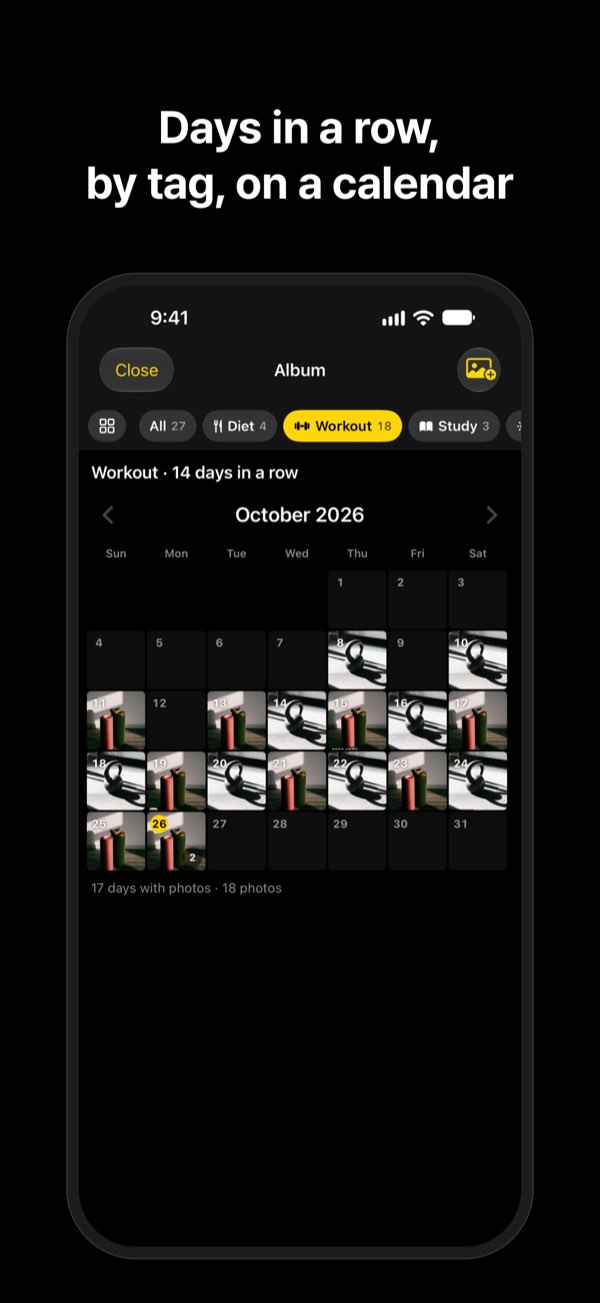
- Tags Tag photos as Diet, Workout, Study, or Daily, or make your own tags, then filter the album by tag.
- Calendar and days in a row The album’s calendar shows which days have photos and how many days in a row have a photo. Choose a tag to count only that tag’s photos.
- Start & Finish Shoot a start photo and a finish photo, and the finish photo is stamped with the time between them and the start and finish times (for example, 2 hr 30 min · 14:00 - 16:30).
- Place name and GPS coordinates (off by default) Add a place name you type and GPS coordinates your iPhone measures. No address lookup or maps.
- Older photos too Import a photo and the stamp uses the date and time saved in it.
Great for
About
Nowstamp (날짜도장 in Korean) is an iPhone camera app that stamps the date and time on your photos. Every feature is free to use today, with no ads, no subscription, no data collection, and no app logo on your photos.
Our promise (October 2026): No ads, no app logo, and the features that are free today stay free.
Support the developer: If you like the app, you can buy the developer a coffee on Ko-fi. You get the same features either way.
Support
If you have a problem or a question, send an email to the address below. Please include your iPhone model, iOS version, and the app version (Settings > About).
FAQ
What doesn’t Nowstamp do?
- Videos are portrait only (9:16), up to 3 minutes each. There’s no time-lapse or landscape video, the app doesn’t stamp videos you’ve already taken, and videos don’t include a capture record.
- There are no addresses or maps. The location stamp can hold only a place name you type and GPS coordinates your iPhone measures (both off by default), and the app never turns coordinates into an address or shows them on a map.
- There’s no way to enter the stamp’s time. The camera uses your iPhone’s clock at the moment you shoot, and imported photos use the time saved in each photo.
- There’s no subscription and there are no ads.
- There’s no account and no server. You don’t sign up, and the app sends no data to the developer or to any third party.
- There’s no Android version. It’s an iPhone app.
- The app has no setting to turn off the shutter sound. iOS plays the shutter sound and decides when it plays. iPhones sold in Korea or Japan play it even in Silent mode while they’re in either country, and other iPhones usually follow Silent mode. The behavior may also depend on the country where the iPhone is used.
Where are my photos saved? Stamped photos are saved to your photo library and collected in the “Nowstamp” album in the Photos app. With Limited Access they are not added to the album and appear in the app’s own album (allow Full Access in Settings to collect them in the album). They stay in Photos even if you delete the app.
Can I change the date on a photo I took? You can’t enter the stamp’s date or time in Nowstamp. The camera uses your iPhone’s clock at the moment you shoot, and imported photos use the capture time saved in the photo. If a photo has no capture time, the stamp uses the modified time recorded in the file, and if there is none, the time of import. The top of the stamp editor’s Format tab shows which time it uses. If your iPhone’s clock or the time recorded in a photo has been changed outside the app, the stamp uses that value.
Does the app put my location in photos? Not by default. If you turn on GPS coordinates in the stamp editor’s Location tab, the coordinates are printed on the stamp, and with Settings > Location > “Save GPS Coordinates in Photo Info” they are also saved in the photo’s info (EXIF) and in Photos. Both are off by default, and location is used only on your device (it is never turned into an address, shown on a map, or sent to the developer or to any third party). Photos with coordinates carry them when you share them or upload them to iCloud Photos. Even with the photo info setting off, coordinates printed on the stamp are part of the picture, and if capture records are on, they are in the capture record too. If you import a photo that already has a location and stamp it, that location stays in the saved copy.
How do I check that a photo wasn’t changed after it was taken? Capture records are off by default. You choose whether to turn them on the first time you open the app, and you can change it later in Settings > Capture Record. While they are on, photos taken with this app’s camera carry a capture record, which also includes your device model, the app version, and a public key that is the same in every photo from that device. Open a photo in the app’s album to see the result, or pick a photo someone sent you in Settings > Capture Record > Check a Photo. You need this app and the stamped photo file, unchanged. Sharing from the Photos app without All Photos Data removes the capture record, and most messaging apps recompress photos, so copies received those ways show as “Modified” or “No Capture Record”. To have a photo checked, use this app’s Share button, or share from the Photos app with All Photos Data turned on under Options. Either way, send it by a method that keeps the file unchanged, such as AirDrop. The date and time come from the clock of the device that took the photo. For a photo someone sent you, the result goes no further than “Matches Record · Source Unknown”, which doesn’t tell you who made the record (compare the key fingerprint shown in the photographer’s app). The check is technical, not legal, and it isn’t notarized. See the Capture Record page for details.
Can I turn off the shutter sound? The app has no setting to turn it off. iOS plays the shutter sound and decides when it plays. iPhones sold in Korea or Japan play it even in Silent mode while they’re in either country, and other iPhones usually follow Silent mode. The behavior may also depend on the country where the iPhone is used.